Your Mac,
at a glance.
A quiet system monitor that lives in your menu bar, with a real calendar. Eight Modules, each honest about what it measures.
The menu bar above is live, and so are its popovers — click any indicator, the way you would in MenuHUD.
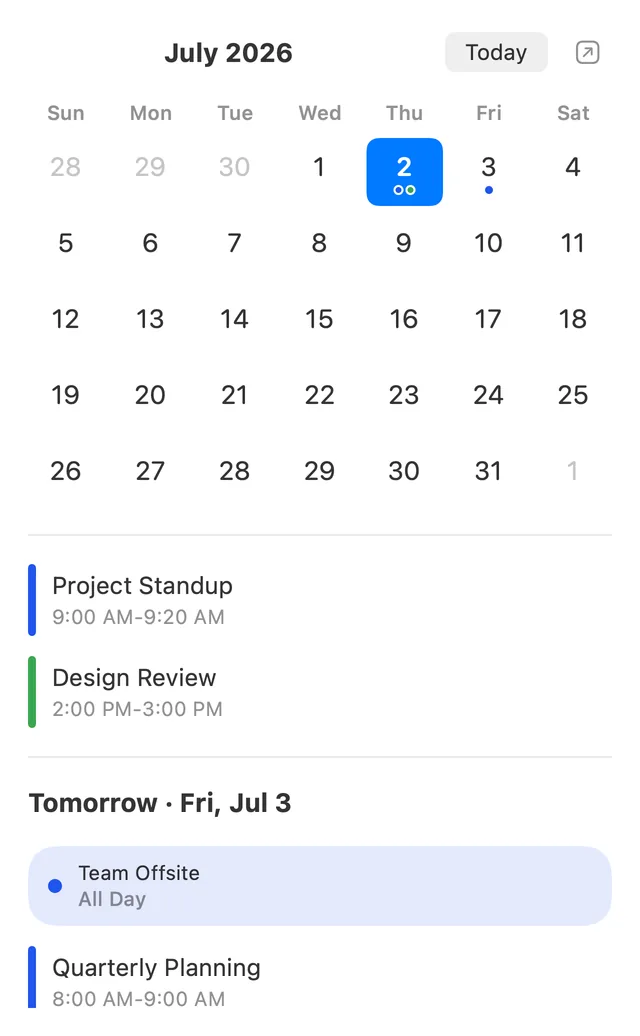
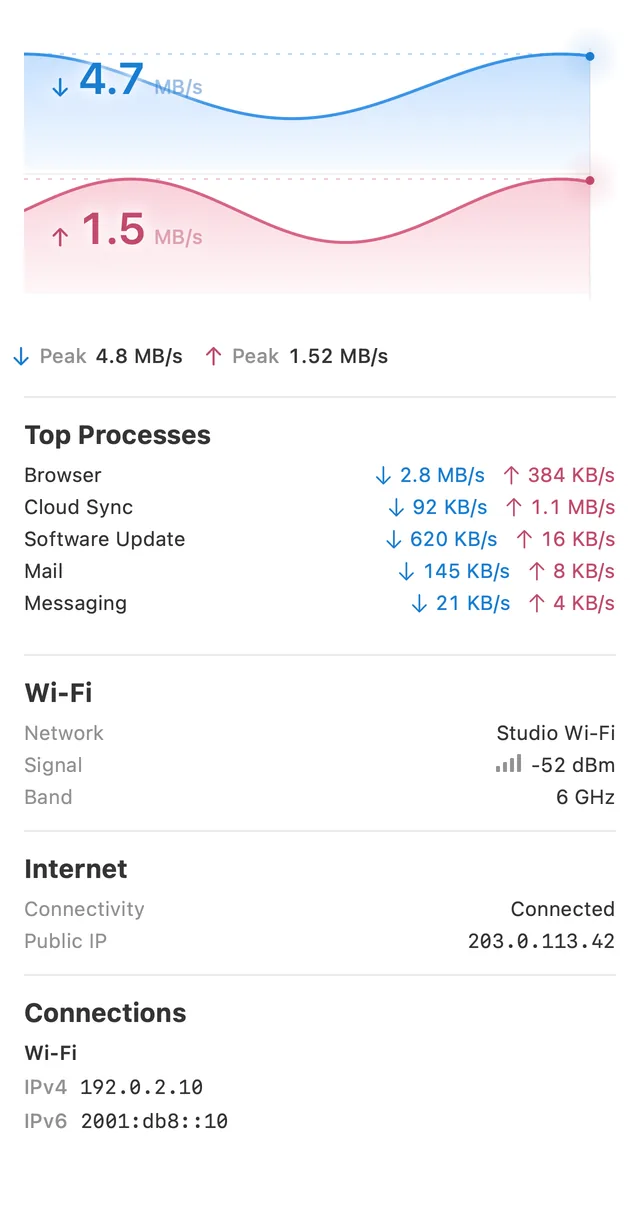
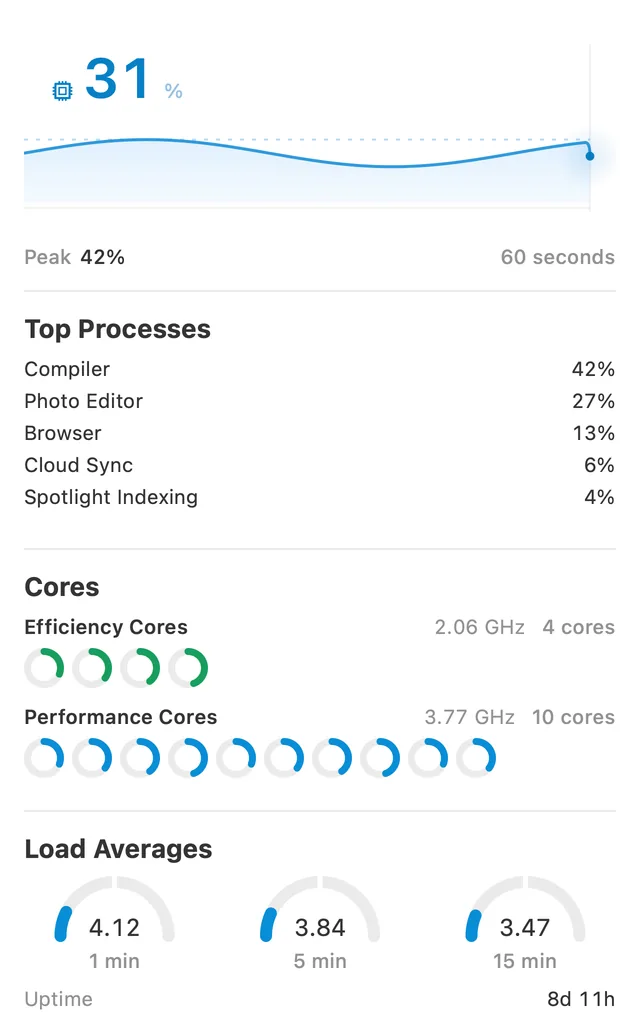
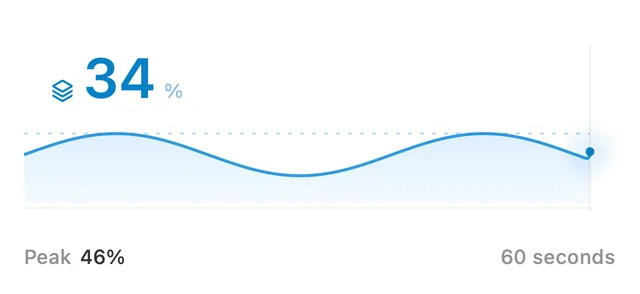
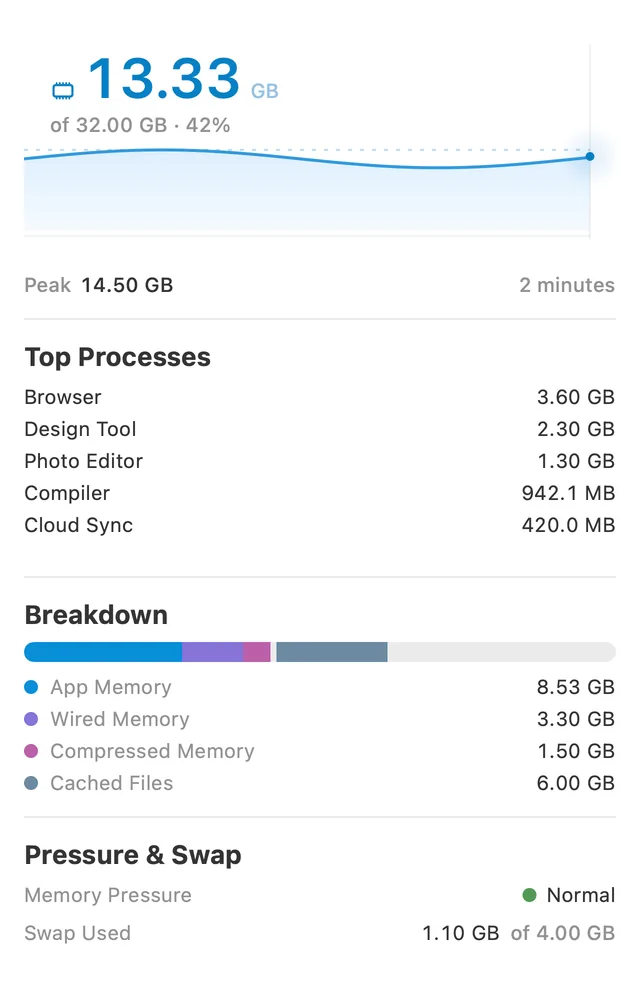
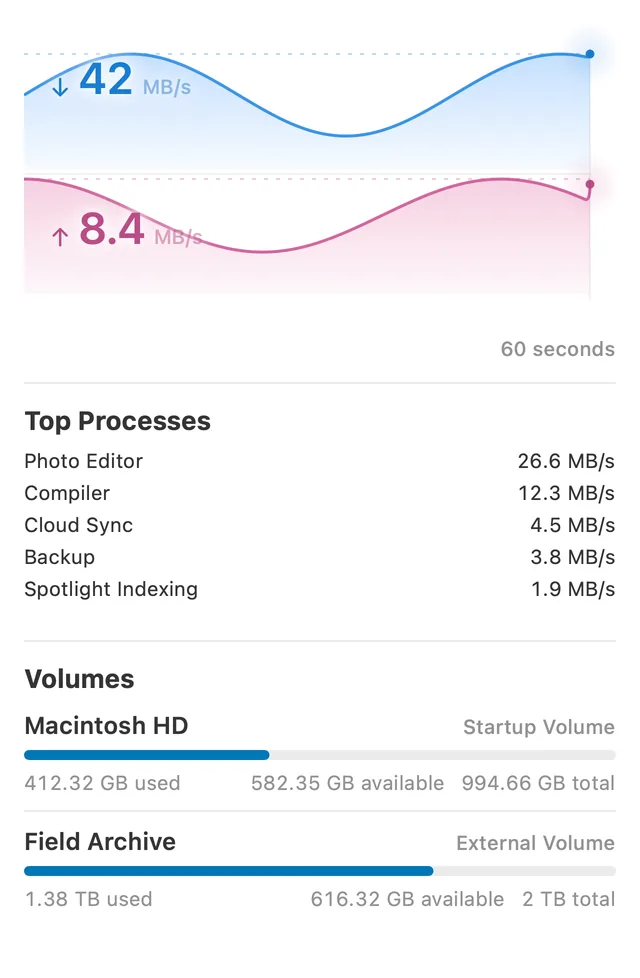
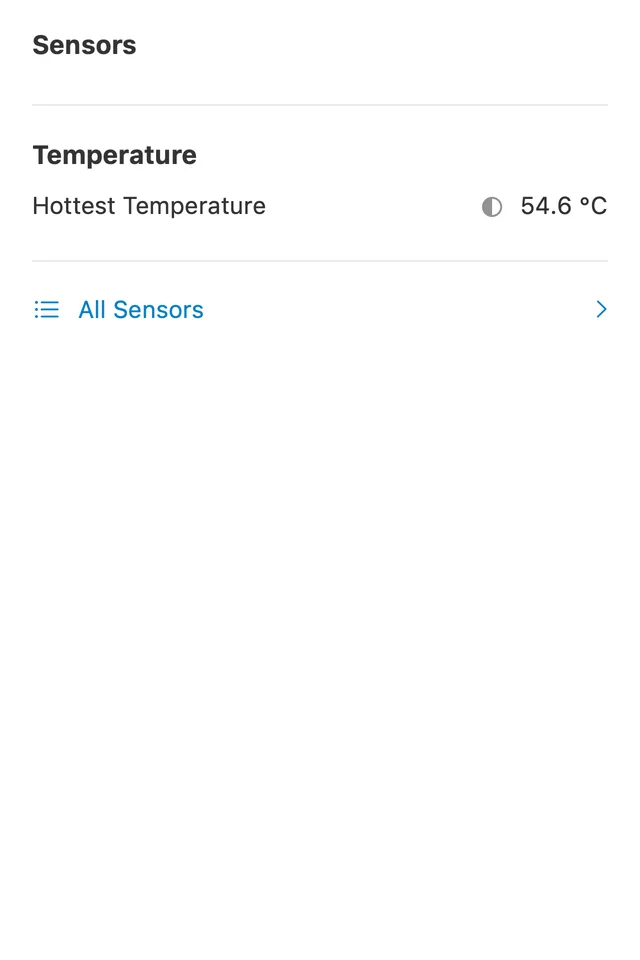
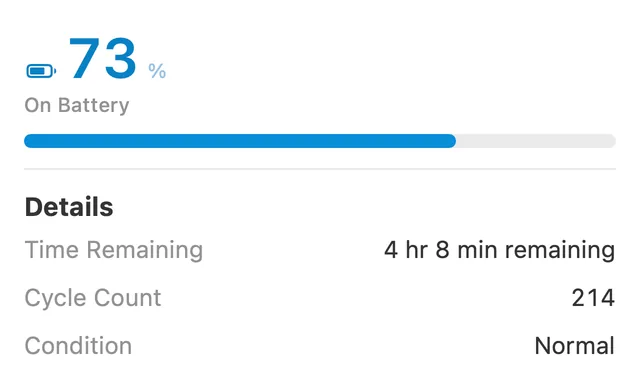
All of it, at once.
Eight Modules, each in a menu bar item of its own or merged into The HUD. Every popover open together, in light and dark. And one dragged off into a Detached Popover that floats wherever you park it.
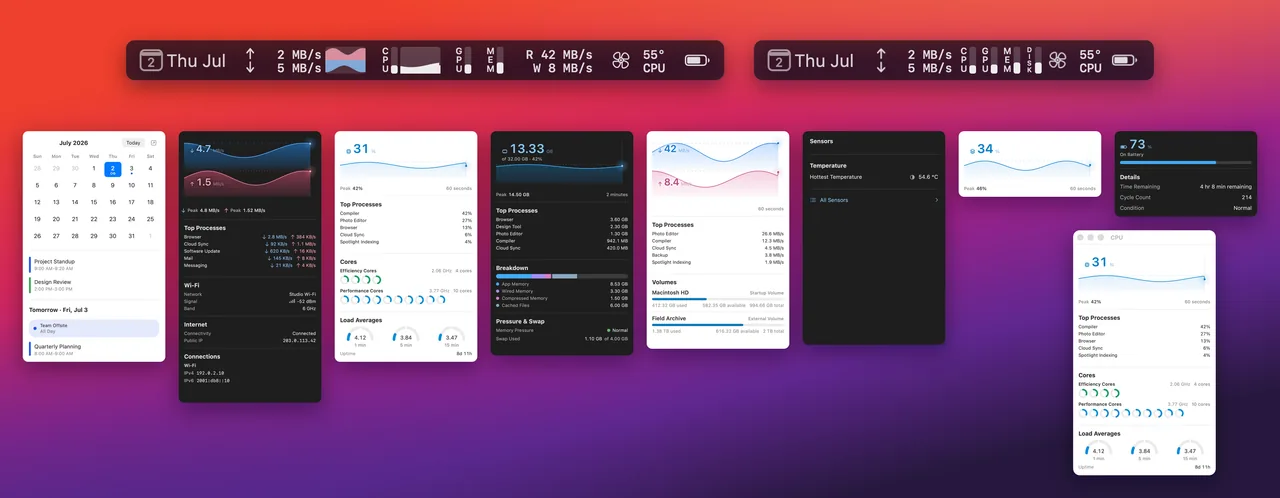
Eight Modules.
Show the ones you want.
Choose a Module to see the popover it opens. The switches work — they add and remove indicators in the menu bar at the top of this page, the way Module Placement works in the app.
Hiding a Module stops its sampling and keeps no history. MenuHUD always keeps one Module visible.
Free. All of it.
Every MenuHUD feature stays free — the calendar, all eight monitors, every setting, every update. There is no trial, no feature gate, no subscription, no account, and nothing in the app ever asks you to pay.
Private data
stays local.
MenuHUD has no accounts, advertising, or cross-app tracking. Calendar events and system measurements stay on your Mac.
Usage Analytics through Mixpanel and Crash Reporting through Sentry are enabled by default in configured Beta and Release builds. You can turn either one off independently in Settings.
When MenuHUD cannot trust a reading, it shows a dash instead of a guess. Sparkle update checks are controlled separately, and Public Network Status stays off until you enable it.
Fan Control FAQ
What does the 1.9 Beta install?
Fan speeds are readable without extra permissions. Turning on Fan Control installs a privileged Fan Control Helper after your macOS approval. The helper makes no network calls. Fan Speeds never leave the Mac. Manual speeds are temporary and are never restored after wake.
How do I remove it?
In MenuHUD, open Settings → Sensors and choose Remove Fan Control Helper. This releases all fans, unregisters the helper, and leaves fan speeds readable. Turning Fan Control off releases the fans but leaves the helper registered.
I already deleted MenuHUD. Why is it still in Login Items?
Deleting the app can leave a stale Fan Control Helper entry in System Settings → General → Login Items & Extensions. Restore MenuHUD to its original location, open Settings → Sensors, and choose Remove Fan Control Helper before deleting the app again. If macOS still shows a stale entry, restart the Mac. Homebrew users can run brew uninstall --zap menuhud to unload the helper and remove MenuHUD preferences and caches.